
Hootsuite was once the default choice for social media scheduling. But its pricing and feature set have shifted over the past few years. Many freelancers and small business owners now want a leaner tool. They need something that handles multiple channels without hidden fees. The good news is that the market has matured. In 2026, you have strong options that fit different budgets and stacks. Some tools focus on a clean queue. Others add AI content generation or deep workflow automation. The right choice depends on how you work and how many client accounts you manage. This guide helps you find a better fit without getting stuck in another bloated platform.
Social media management is no longer just about queuing posts. It includes content generation, comment management, analytics, and cross-platform workflows. A good Hootsuite alternative should remove manual work. It should also connect to the automation tools you already use. For example, Make and n8n can power content pipelines that a basic scheduler cannot. You can pull from RSS feeds, Google Sheets, Notion, or an AI assistant. Then you can publish to several social networks without copy paste work. This guide focuses on freelancers and small teams that want practical automation, not enterprise complexity.
We reviewed the main alternatives from a freelancer perspective. We considered pricing, ease of use, AI features, and automation depth. You will find a comparison table below. You will also see migration steps and a short FAQ. Zapier’s State of Business Automation report says 94% of small business employees still do repetitive manual tasks. A better social media stack helps you reclaim those hours. The goal is simple: find a tool that fits your budget and your daily workflow.
| Tool | Best For | Starting Price | AI Features | Automation Depth |
|---|---|---|---|---|
| Buffer | Solo freelancers | Free tier; paid from $6 per channel per month | AI caption assistant | Basic webhooks and API |
| Publer | Freelancers and small teams | Free tier; paid from $12 per month | AI post composer, hashtag suggestions | Webhooks and Zapier connector |
| Sendible | Agencies | From $29 per month | AI content suggestions, social inbox | API access and Zapier integration |
| SocialBee | Content recyclers | From $29 per month | AI post variations | Zapier and Make integrations |
| Agorapulse | Teams and social managers | From $79 per month | AI social inbox assistant | API and custom webhooks |
What Should You Look for in a Hootsuite Alternative?
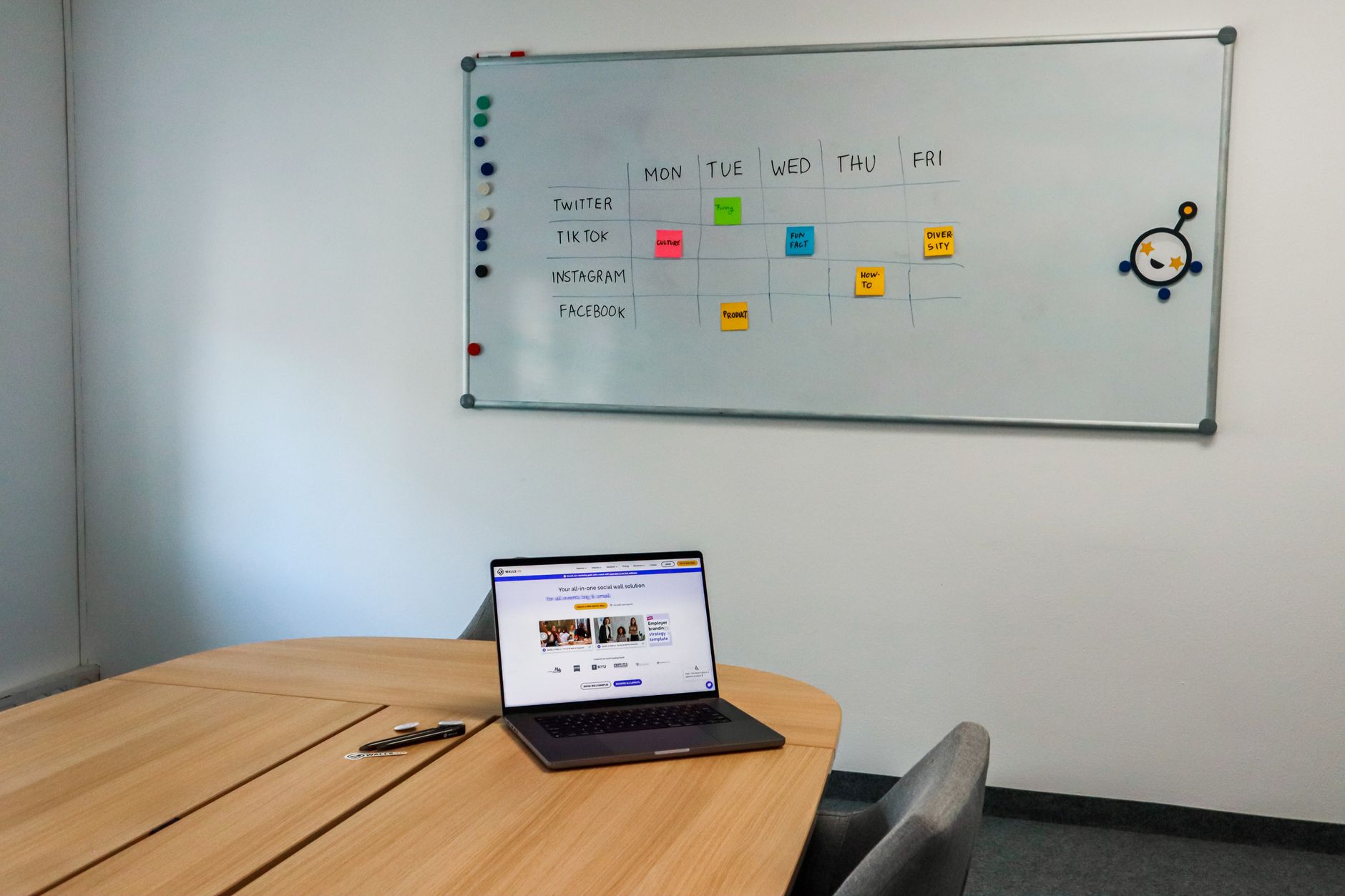
Your next social media tool should match how you work. A solo freelancer may need a clean queue and a low monthly price. A small agency may need client approval flows and an inbox that pulls comments from every network. Start by listing the platforms you actively use. Then look for native integrations. Native integrations reduce broken post previews and failed uploads. Buffer remains a strong example because it focuses on queue simplicity first.
Beyond scheduling, pay attention to automation depth. Can the tool trigger a workflow when a new post is published? Can it pull content from an RSS feed or a Google Sheet? Tools like Make list over 2,000 app integrations. That gives you room to build custom content pipelines. You might want to create a webhook that sends new blog posts to your social queue. Automating social media with AI explains how to combine content creation with scheduling.
AI has changed what users expect. A good alternative should offer at least basic caption generation or republishing suggestions. Some tools can rewrite one post for different platforms. Others connect to an external AI agent for deeper generation. The goal is not to replace your voice. The goal is to cut the time between idea and published post. According to Zapier’s State of Business Automation report, 94% of workers still perform repetitive manual work. That number should push you toward tools with real automation hooks.
- Native scheduling for Instagram, LinkedIn, X, TikTok, Facebook, and Pinterest
- An AI assistant that writes or adjusts captions
- Direct integrations to Google Sheets, RSS feeds, or Airtable
- Role-based approvals for client work
- An open API or webhook support for custom workflows
How Do the Best Hootsuite Alternatives Compare for Freelancers?
The table below highlights key differences. Buffer is the easiest for a solo operator who wants a clean queue. Publer adds a generous free tier and more AI helpers. Sendible and Agorapulse target agencies that need client management. SocialBee focuses on content recycling and category-based scheduling. Each tool has a different tradeoff. None of them is a perfect Hootsuite clone, but that is often the point.
Pricing moves quickly in this category. Always verify the current plans before you commit. Most tools charge per social channel or per user. That pricing model can work well for a freelancer who runs three channels. It can become expensive for a small team. Compare the starting monthly cost against the features you will actually use. A Zapier review may help if you plan to connect the scheduler to hundreds of apps.
Which Hootsuite Alternatives Work Best with AI Automation?

If you want more than scheduled posts, automation matters. A standalone scheduler will not build your content pipeline. You need a tool that speaks to your other systems. n8n is a self-hosted workflow platform that lets you create custom social media workflows without per-task fees. Make offers a visual builder with thousands of apps. Both can turn an RSS feed, a Google Sheet, or an AI response into a queued social post.
The best setup for many freelancers is a lightweight scheduler plus an automation layer. For example, you can use the n8n beginner guide to build a workflow that watches a Notion database. When a new row is added, the workflow sends the content to Buffer through its API. The post is drafted and scheduled automatically. This approach avoids the all-in-one lock-in that Hootsuite often creates. You keep your content in your own tools.
Zapier remains popular for nontechnical users. If you want a simple trigger-action setup, Zapier vs Make compares the two visual builders. A typical workflow creates a new image in Canva, then schedules it on LinkedIn. Another workflow listens for a new YouTube video and shares it to X. These automations are possible with most Hootsuite alternatives that expose a public API. The real difference is how much flexibility you need.
AI agents can also sit upstream. Some freelancers use an AI assistant to draft a week of posts in a Google Sheet. A scheduler then imports that sheet. Automate social media posting with AI tools shows this exact pattern. The goal is a feedback loop where content is drafted, reviewed, and published with minimal manual copying. According to Make’s integration directory, the platform supports over 2,000 apps. That covers most tools a small business already uses.
- Use n8n to connect RSS feeds to Buffer, Publer, or Sendible
- Use Make to watch Google Sheets and create social posts automatically
- Use Zapier to trigger a post after a new blog or video goes live
- Use an AI assistant to generate platform-specific captions before scheduling
What Do the Most Affordable Hootsuite Alternatives Cost?
Price is often the main reason freelancers leave Hootsuite. Hootsuite’s professional plan has become less friendly for solo users. You may end up paying for team features you never open. Buffer offers a free tier for up to three channels. That is usually enough for a freelancer testing a new process. Paid plans start around $6 per channel per month. This per-channel model keeps costs low when you manage only Instagram, LinkedIn, and X.
Publer has one of the most generous free plans in this category. You can schedule a meaningful number of posts each month without paying. Paid plans add more social accounts and AI tools. SocialBee and Sendible start around $29 per month. They make sense when you need approval workflows or client reporting. Agorapulse starts higher, near $79 per month, but includes strong team features. Compare the cost against the hours you save. AI tools for small business highlights other budget-friendly automations.
Do not forget hidden costs. Some tools charge for analytics exports. Others limit the number of posts per queue. Check whether the plan includes Instagram direct publishing, LinkedIn personal profiles, and TikTok scheduling. A free plan may require manual publishing for one network. That small gap can add friction. When in doubt, use the free trial to test a full week of posting. You want a tool that fits your current workflow, not a promise of future scale.
How Do You Move from Hootsuite to an Alternative Without Losing Data?

Switching tools is easier than it looks. Start by exporting your Hootsuite data. Grab your post history, analytics reports, and any queued content. Most alternatives provide an import tool for CSV files. Then connect your social accounts to the new platform. This step asks for native permissions on each network. It usually takes under five minutes per account.
Next, recreate your posting schedule. Set up time slots that match your old pattern. Import your evergreen posts first. You can use a tool like Make to automate the first imports from a spreadsheet. For a deeper look at visual builders, see the Make review. If you used Hootsuite’s inbox for comments, set up the new tool’s social inbox before your first campaign.
Finally, test a live post. Publish one low-risk update to each network. Check images, hashtags, and link previews. Then keep Hootsuite active for one billing cycle if possible. That lets you compare analytics and confirm that nothing broke. After a clean week, cancel the old plan. The right stack should feel lighter, not heavier.
- Export CSV reports and queued posts from Hootsuite
- Reauthorize each social account in the new tool
- Import evergreen content from a spreadsheet
- Rebuild your weekly time slots
- Run a test campaign and compare analytics
Frequently Asked Questions
Is there a free Hootsuite alternative?
Yes. Buffer has a free tier for up to three channels. Publer also offers a generous free plan for a limited number of scheduled posts each month.
Which Hootsuite alternative is best for AI automation?
Buffer, Publer, or Sendible paired with n8n or Make works best. The scheduler handles publishing while the automation layer connects RSS, Google Sheets, and AI content creation.
Can I replace Hootsuite with Make or n8n alone?
Make and n8n can publish via social media APIs, but they are not full schedulers. You would miss native queues, approval flows, and social inbox features. Pair them with a lightweight scheduler for the best result.
Does Buffer support Instagram direct publishing?
Yes. Buffer supports direct publishing to Instagram business and creator accounts. Personal Instagram accounts may require manual publishing through the Buffer mobile app.
What is the easiest Hootsuite alternative for a solo freelancer?
Buffer is usually the easiest because its interface is clean and its queue system is simple. Publer is another strong option if you want more free features and AI caption helpers.
Will I lose analytics history if I switch from Hootsuite?
You can export your Hootsuite analytics as CSV reports before you cancel. Most alternatives cannot import that history directly, but you can keep the exported files for reference.
What Should You Remember?
- Buffer is the easiest Hootsuite alternative for solo freelancers.
- Publer offers a generous free plan and practical AI post tools.
- n8n and Make add custom automation that basic schedulers cannot match.
- Export your data before you cancel Hootsuite to preserve analytics.
- Compare per-channel pricing because team plans can hide unnecessary fees.
- Use free trials to test Instagram, TikTok, and LinkedIn publishing before committing.
This article is for general information only. Review your workflow data and automation permissions before connecting tools. Some platforms have free-tier limits and paid plans that change over time , always check current pricing on the vendor’s site.