Social media management often eats more time than the actual client work. Freelancers and small business owners switch between Instagram, TikTok, LinkedIn, Facebook, Pinterest, and X trying to stay visible. Later is a social media scheduling tool that reduces that switching. It gives you a visual content calendar, a media library, a link-in-bio tool, and basic analytics. Instead of posting in real time from five apps, you plan once and let Later publish at the times you choose. That consistency keeps your brand active while you work on paid projects. It is especially popular with visual brands because the Instagram grid preview shows exactly how your feed will look before anything goes live.
Later alone is not a full AI automation platform. It schedules and publishes, but it does not write captions, generate image variations, or pull content from RSS feeds without help. That is where tools like n8n and Make enter the picture. You can connect Later to AI services that create captions, resize images, and recommend hashtags. Then your scheduling tool becomes one part of a larger content engine. Freelancers who serve multiple clients can run the same pipeline for each client with small changes. This article explains how to combine Later with AI automation without overbuilding or wasting money.
Data from DataReportal shows the average internet user now spends about 2 hours and 21 minutes on social media every day. A Sprout Social survey found that 68 percent of consumers follow a brand to learn about new products or services. Those numbers mean visibility matters. If you only post when you remember, you miss customers who are already scrolling. Later plus a small automation stack helps you stay present without turning social media into a full-time job. This is important for freelancers and small teams that cannot hire a social media manager. The next sections explain the platform, the automations, and the costs.
| Workflow | Trigger | Action | Best Tool |
|---|---|---|---|
| AI caption creation | New row in Google Sheets | Generate captions and create a Later post | Make or Zapier |
| RSS auto-promotion | New blog post in RSS feed | Summarize and schedule a social post in Later | n8n or Make |
| Client approval | New draft in Airtable | Send preview to Slack and await approval | Make or Zapier |
| Bulk scheduling | New files in Google Drive | Resize images and add to Later queue | Make |
What Is Later Social Media and How Does It Compare to Native Schedulers?
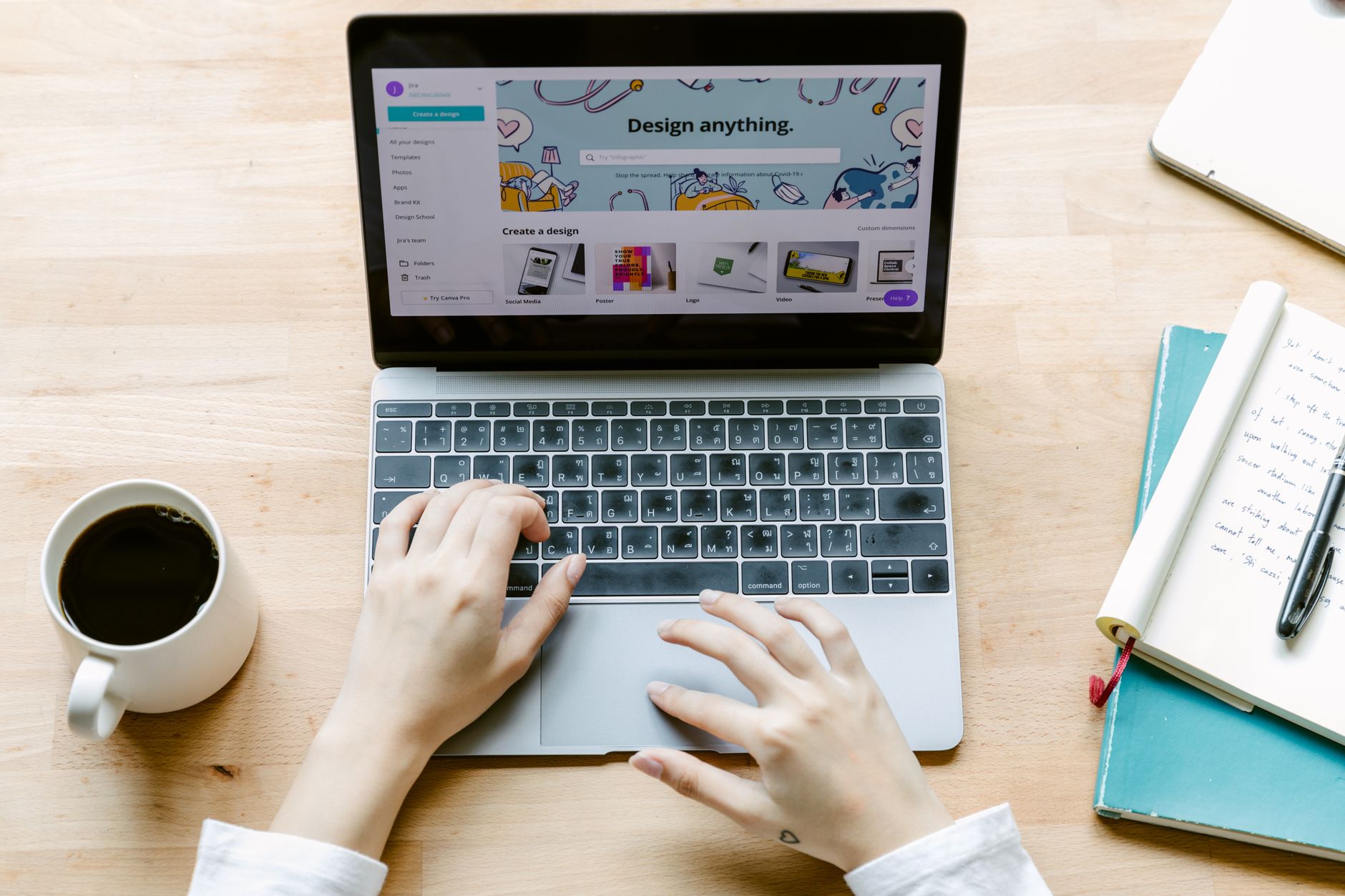
Later is a social media scheduling platform that started as an Instagram-first tool. Today it supports TikTok, Facebook, Pinterest, LinkedIn, and X, but its visual calendar remains the standout feature. You upload photos, videos, and carousels to a media library. Then you drag them onto a calendar, write captions, add hashtags, and pick a publish time. Later auto-publishes most post types, although some platforms still require manual steps for Stories or certain video formats. For freelancers managing client accounts, the visual preview prevents mismatched feed aesthetics.
Native schedulers such as Meta Business Suite and TikTok Business Center can handle one channel well. They are free, but they are not built for cross-platform planning. Switching between native tools means you lose the single content calendar and you repeat work. Later solves that by putting multiple networks in one place. Buffer is another cross-platform scheduler that competes with Later. Buffer is often simpler and more queue-focused, while Later leans harder into visual planning and Instagram-first workflows. Both offer a link-in-bio tool, but Later’s media library is stronger for creators who reuse assets.
The main reason to choose Later over native tools is integration depth. Later works with Zapier and Make, which lets freelancers connect it to AI tools, spreadsheets, and approval workflows. You can also use automate social media posting with AI tools to go beyond manual scheduling. Native schedulers rarely expose that level of automation to small teams. If you only manage one Facebook page, native tools are fine. If you manage multiple clients on visual platforms, Later tends to pay for itself.
Later does not create content for you. It does not do sentiment analysis, customer support, or ad management. If you need AI customer support, use separate tools. But for visual publishing, it is solid. Another consideration is platform API limits. Instagram may require a business or creator account. TikTok may require a business account for auto-publish. These limits apply to all schedulers, not just Later.
- Visual Instagram grid preview before publishing
- Drag-and-drop content calendar
- Central media library for photos and videos
- Basic analytics and best-time suggestions
- Link-in-bio tool for driving traffic
How Does Later Social Media Work for a Freelancer?
The daily workflow is simple. You connect each social profile to Later once. After that, you upload approved photos and videos to the media library. You drag an asset onto the calendar, type the caption and hashtags, and set the date and time. Later publishes the post automatically if the platform supports it. For Instagram Stories or some video formats, Later sends a reminder to your phone. This workflow works well for freelancers who batch content one afternoon per week.
Client management matters more than solo posting. Later lets you create separate workspaces or social sets for different clients. You can add clients as team members for approval, or you can keep control and simply deliver a monthly report. Many freelancers charge clients a flat monthly fee for scheduling and reporting. That makes Later a revenue tool, not just a time saver. If you are new to batching, start with one client and one platform. Then expand once the process feels repeatable. You can find more small business workflows in daily business tasks to automate with AI 2026.
A typical freelancer might spend two hours every Monday filling the calendar for the week. Later’s best-time suggestions help, but you still need to write captions and source images. AI reduces that part. Instead of starting from a blank caption, you paste an AI draft and edit it for voice. Instead of hunting for stock photos, you keep templates in a shared media library. Over time the process becomes a repeatable system. The next section covers which parts you can automate.
Later’s analytics show post performance, engagement, and best times. Use those metrics to refine your AI prompts. For example, if carousel posts get more saves, ask the AI to generate carousel content more often. If short videos perform better, change your pipeline to produce video scripts. This feedback loop is what separates a busy freelancer from a strategic one.
- Connect social profiles and set up workspaces per client
- Upload branded assets and templates to the media library
- Drag posts onto the calendar and write captions
- Set publish times or use best-time suggestions
- Review analytics and send a monthly client report
What Can You Automate When You Connect Later to AI Tools?

The simplest automation is caption generation. You connect a spreadsheet or form to an AI service such as OpenAI, then send the finished caption to Later. You can trigger this with new rows in Google Sheets, new entries in Airtable, or form submissions. The AI writes three caption options, you approve one, and the automation schedules the post. This removes the most tedious part of the job. Freelancers who manage 10 or more posts per week save noticeable time with this setup. You can also use automate content creation AI to generate blogs, carousel text, and short video scripts.
The next level is RSS to Later. When you publish a blog post or YouTube video, an automation reads the new item, pulls the title and image, summarizes it, and creates a Later post. This is a powerful way to keep a business account active without manual promotion. Make and n8n both handle RSS well. n8n has detailed documentation for RSS triggers and HTTP requests, so you can build the pipeline even if a native Later node is missing. Zapier also offers a maintained Later integration that many freelancers use for basic scheduling.
You can also automate approval workflows. Instead of a client emailing you at midnight asking for changes, the workflow can send a preview to Slack or email. The client clicks approve, and the post moves into Later. This reduces back-and-forth and keeps your work organized. A Buffer survey from 2024 suggested small teams spend roughly five to seven hours per week just managing social publishing. Automation removes a large share of that manual work and lets freelancers take on more clients without hiring help.
- Generate captions and hashtags from a spreadsheet row
- Auto-share new blog posts or YouTube videos to Later
- Create approval messages in Slack before scheduling
- Add UTM tracking to links for client reporting
- Resize or convert images before they enter the Later media library
How Do You Build an AI Content Pipeline with Later, n8n, and Make?

Start with one trigger instead of trying to automate everything. A common first pipeline is RSS to Later. In n8n, you use an RSS Read node to watch your blog feed. The next node sends the title and summary to an AI model such as OpenAI. The AI outputs a social caption under a character limit. Then an HTTP Request node sends the image, caption, and link to Later’s API or through a Zapier bridge. The n8n beginner guide walks through the node basics if you have never built a workflow.
Make users can build the same pipeline visually. A Google Sheets trigger watches for new content rows. A Make module calls OpenAI to generate a caption. A Later module or HTTP request creates the scheduled post. Make’s visual builder makes it easier to see where the data flows. If you are deciding between Make and Zapier, the Zapier vs Make 2026 comparison breaks down pricing, speed, and complexity. Both can connect to Later, but Make tends to be cheaper for high-volume workflows.
Keep the workflow simple at first. Use a spreadsheet as your content database. Columns might include date, platform, image URL, caption, and client name. The automation reads new rows, formats the caption, and creates posts in Later. Add an approval step only after the first version works. One practical tip is to use publicly accessible image URLs. Later needs to fetch media from a URL, so a Google Drive link usually works only if it is set to public or you download the file first. Testing with a single row prevents most failures.
Over time you can branch into video scripts, carousel text, and repurposing. For example, one long blog post can become five social posts. AI can extract quotes and key points, then send those to Later across the week. You do not need to buy every tool. One reliable pipeline saves more time than ten half-built automations.
What Does Later Social Media Cost and Is It Worth It for Small Teams?
Later’s pricing changes frequently, but you can still estimate the cost. A free tier usually covers a limited number of posts and one social set. Paid plans tend to start around $25 per month for more channels and users, then scale up to $80 or more for teams and agencies. The current numbers are on Later’s pricing page, but this range helps you plan. Most freelancers start on a mid-tier plan once they manage two or three clients. Keep in mind that the free tier may not include the integrations you need for automation.
You also need to budget for the automation layer. Make has a free tier that covers basic runs, while paid plans start around $9 per month. Zapier’s paid plans start higher and charge by tasks. n8n can be self-hosted for free, but you need time or a small server. When you compare tools, think about total monthly cost, not just Later’s fee. For a freelancer, Make or a self-hosted n8n instance often costs less than Zapier at higher volumes.
The return on investment is easy to see. Suppose you charge $75 per hour. If Later plus automation saves you three hours each month, the stack pays for itself. Many freelancers save more than that after the first month. If a client pays $300 per month for scheduling alone, Later and Make cost under $80 combined. That leaves profit. Use Later for the visual calendar, Make or n8n for the repetitive work, and AI tools for small business 2026 to fill content gaps.
If Later feels too visual or too expensive, Buffer is a solid alternative. If you want to own your automation, n8n plus a free scheduler may work. The key is choosing a stack that fits your client load. Start with Later’s free or entry tier, add Make, and automate one workflow. After a month, review your saved hours and decide whether to upgrade.
Frequently Asked Questions
Is Later social media free?
Yes, Later has a free plan with limited posts and one social set. Paid plans add more social profiles, users, analytics, and automation-friendly integrations. Check the current Later pricing page for exact limits.
Can Later auto-publish to Instagram Reels and TikTok?
Later can auto-publish many post types, including TikTok videos and Instagram feed posts. Instagram Stories and some Reels may require a manual push notification on mobile. The exact behavior depends on platform API restrictions.
How does Later compare to Buffer?
Later is more visual and Instagram-focused with a strong grid preview and media library. Buffer is simpler and often better for queue-based publishing across multiple channels. Both support scheduling and link-in-bio features.
Can I connect Later to AI tools like ChatGPT?
Yes. You can use Make or Zapier to connect Later to OpenAI, Claude, or other AI services. The AI can generate captions, summarize posts, or suggest hashtags before the content enters your Later calendar.
What is the best automation for Later and small business?
Start with an RSS to Later workflow or a Google Sheets to Later workflow. Use Make for visual building or n8n for more control and self-hosting. This automates content promotion without a full-time social media manager.
Do I need coding to automate Later with n8n?
No, n8n is visual and node-based. You can build simple workflows without code, but connecting to Later may require an HTTP Request node and some API knowledge. Start with the n8n beginner guide if you are new.
What Should You Remember?
- Later is a visual-first scheduler for Instagram, TikTok, Facebook, Pinterest, LinkedIn, and X.
- AI automation works best when you connect Later to Make, Zapier, or n8n.
- Start with one pipeline, such as RSS to Later or Google Sheets to Later, before scaling.
- Make often costs less than Zapier for high-volume social workflows.
- n8n gives you more control if you can handle a self-hosted setup and HTTP requests.
- Buffer is a strong alternative when you need a simpler cross-platform queue.
- Track time saved in dollars to decide when a paid Later plan and automation stack make sense.
This article is for general information only. Review your workflow data and automation permissions before connecting tools. Some platforms have free-tier limits and paid plans that change over time , always check current pricing on the vendor’s site.